
Free to use
Free
€ 0 forever
- Free for good, with no trial that ends
- Items, reservations, calendar and widget
- Ads on the calendar your guests see
- At most 100 emails per month through system mail
Free to use
MyReservations has offered reservation systems since 2013, so the experience is broad. Since 2026, Next is the successor to classic MyReservations. You can keep using it for free: share one link, or place the calendar on your own website.
Demo item
Guest A
01-10-2099 · 14:00
Confirmed
MyReservations has offered reservation systems since 2013. Those years add up to broad experience with calendars, bookings and guests.
2013
Since 2013, MyReservations has helped organizations take bookings online. That experience is in the system you use now.
2026
Since 2026, Next is the successor to classic MyReservations. You work in the new system, built on that same experience.
Free for good
The free plan does not disappear after a trial.
On your own site
A link, a landing page, or a calendar inside your website.
Dutch, English and German
Guests switch language themselves. You choose yours in your profile or at the top right.
Appointments and days
Time slots for a treatment, full days for a stay.
You do not need technical knowledge. The account is ready to use.
An item is what the guest books: a haircut, a room or a boat. Choose time slots that repeat every week, or full days.
You get a booking link and a page with all your items. You can place the same calendar on your own website.
Let a booking confirm itself, or approve it yourself. Remind the guest and mark attendance with a QR code.
No separate tools for the calendar, the email and the payment. You turn on what each item needs.
Fixed times per weekday, with a capacity. Close the slot after the first booking, or keep it open until it is full. Guests can see the places left.
The guest picks a first day and a last day. Both days are occupied. From 1 through 3 October is three days. The price per person is charged for each day.
Week, month, agenda or list. A stay always shows the month. Each item can have a photo.
Your own landing page with your logo, or the calendar embedded on the site you already have. You set the width and height.
Name and email are required. Add a phone number, a note and your own questions. Extras can have a photo. Discount groups apply per person.
New reservations wait until you confirm them, or they are final at once. The guest can receive a cancellation link.
Confirmation, status and reminder. SMS uses credit you buy separately. With your own mail server you send from your own address.
Optional via Mollie, in test or live. Without a payment provider, booking stays free for you and for the guest.
Scan the QR code on any day of the stay. Export to CSV or PDF. Sync one way to Google, Outlook or Apple.
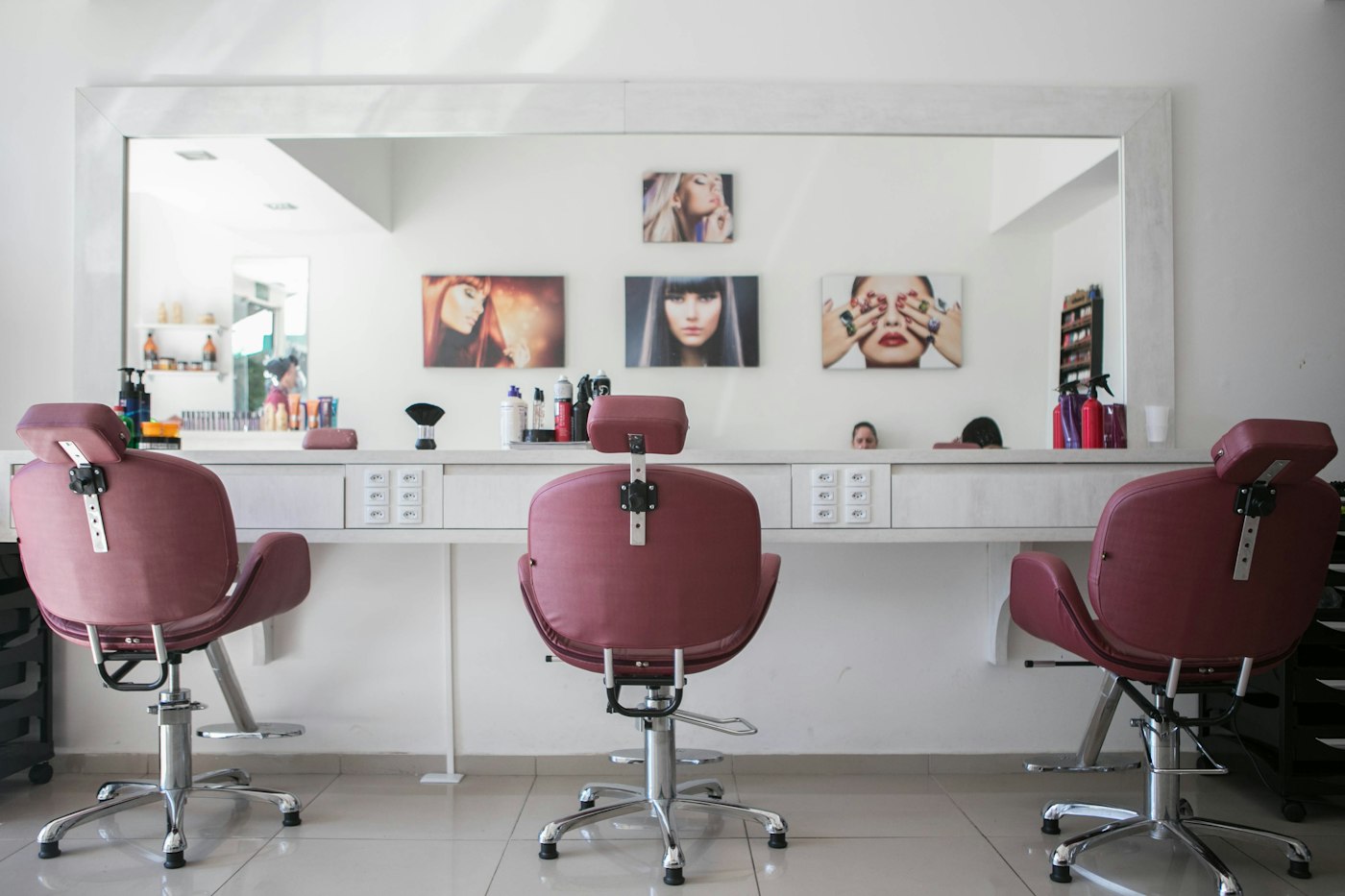
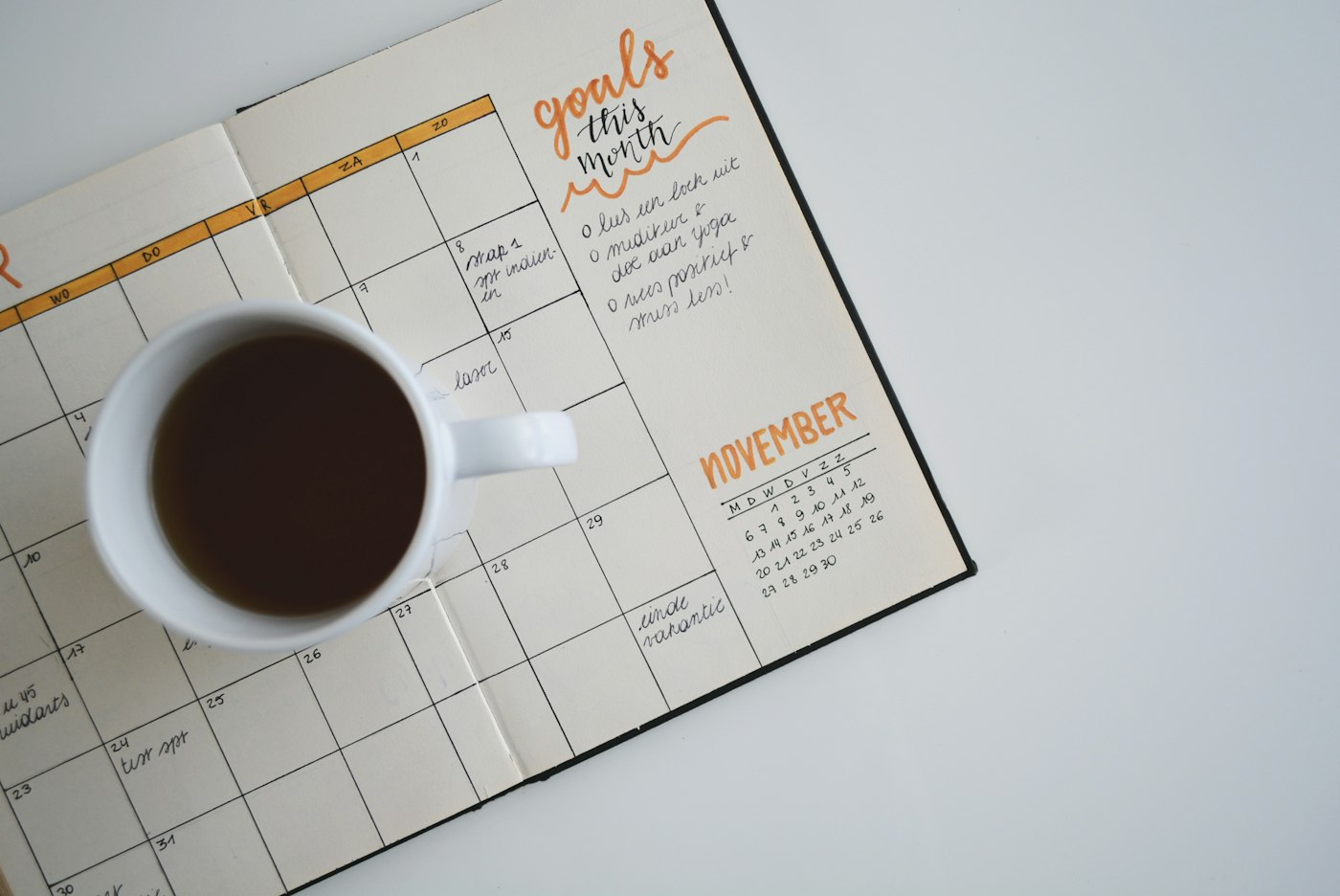
Appointments
Set the times you want to offer for each weekday. Limit how far ahead someone may book, and when a day opens. The calendar fills up without you answering messages.
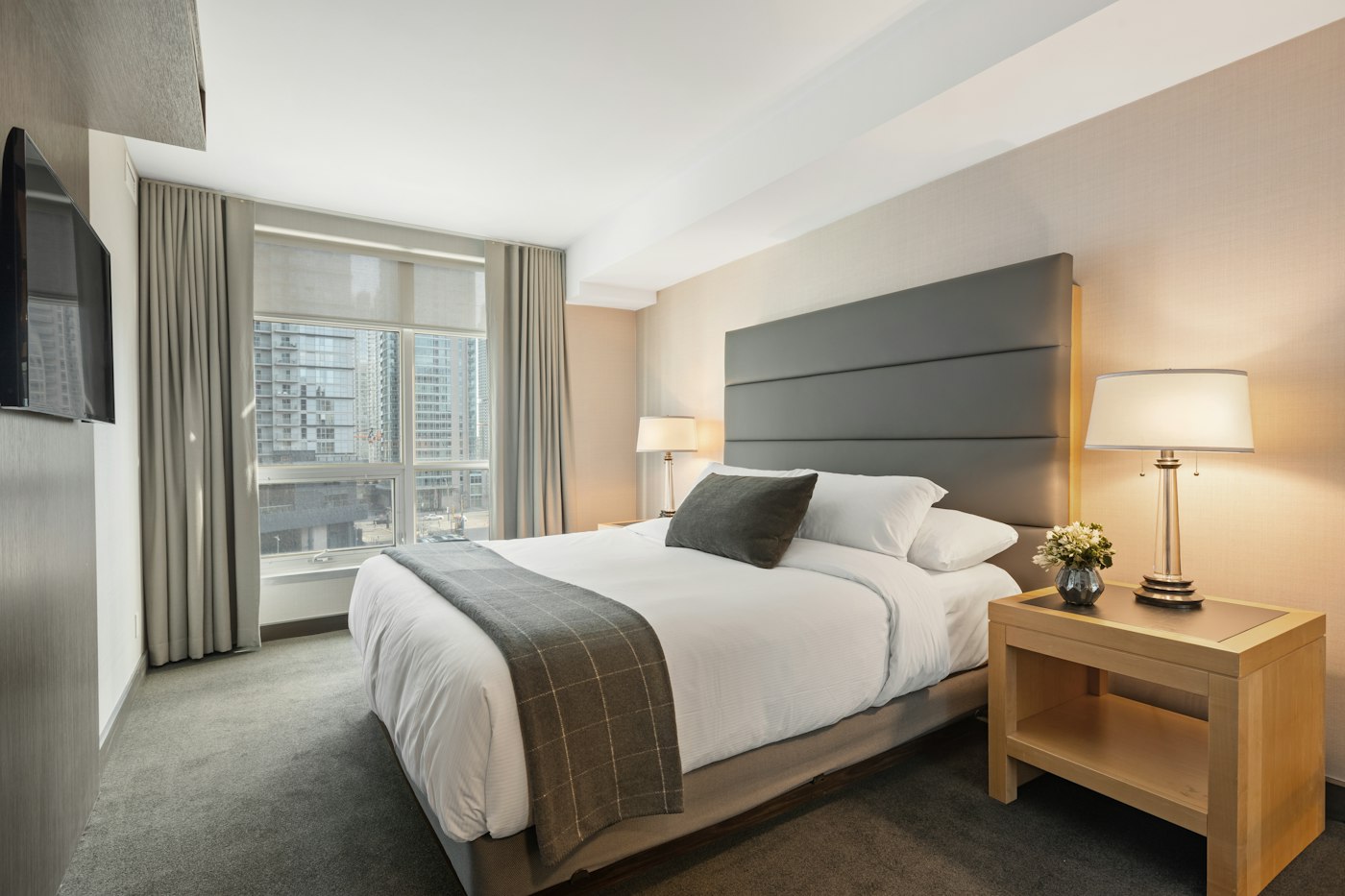
Stays
For a stay, every chosen day counts, including the last one. You set the minimum and maximum number of days. Capacity applies per day, just as it does for a time slot.

For the guest and for you
The guest receives email at the moments you turn on. You get a notice for a new reservation, with a calendar file if you want one. On arrival the guest opens a QR code. Two-factor authentication protects your account.
One account, several items. A salon and a meeting room can sit side by side.
Hair salon, coach, clinic, workshop or consultant. The guest picks a free time slot.
Bed and breakfast, holiday home or hotel room. The guest picks arrival and departure, including the last day.
Boat, hall, sports court or equipment. By the day or by the hour, depending on the item.
Prices include VAT and are per month. Yearly billing is in your account and costs less. Your own mail server removes the limit on system email.
Free to use
€ 0 forever
€8.95 per month
€16.95 per month
You buy SMS reminders separately, on every plan. Guest payment through Mollie is optional.
Since 2013, so there is broad experience with bookings. Since 2026, Next is the successor to classic MyReservations.
Yes. The free plan stays available. There is no trial that expires. On that plan your guests may see ads, and there is a monthly limit for email sent through system mail.
Yes. For each item you choose time slots or full days. With days, the last chosen day is occupied too. You can put both kinds of items in the same account.
Yes. Paste a widget into your site, or share the booking link and the landing page of your account. Guests do not need an account.
The public calendar, this website and guest emails are available in Dutch, English and German. When you are logged in, you choose your language in your profile or at the top right.
No. Payment at booking is only on if you connect Mollie. Without that connection, guests reserve without an online payment.
You can turn on a one-way connection. New reservations then show up in Google, Outlook or Apple. Changes in that calendar do not come back into MyReservations.
Create a free account, add an item and send the link to a guest. Turn on more features when you need them.
Create a free account